
By Cap City Injury Attorneys13 min read
How to Preserve Phone Records After a Texas Rideshare Crash
Learn how to preserve phone records after a Texas rideshare crash, including call logs, texts, trip screenshots, and location history.
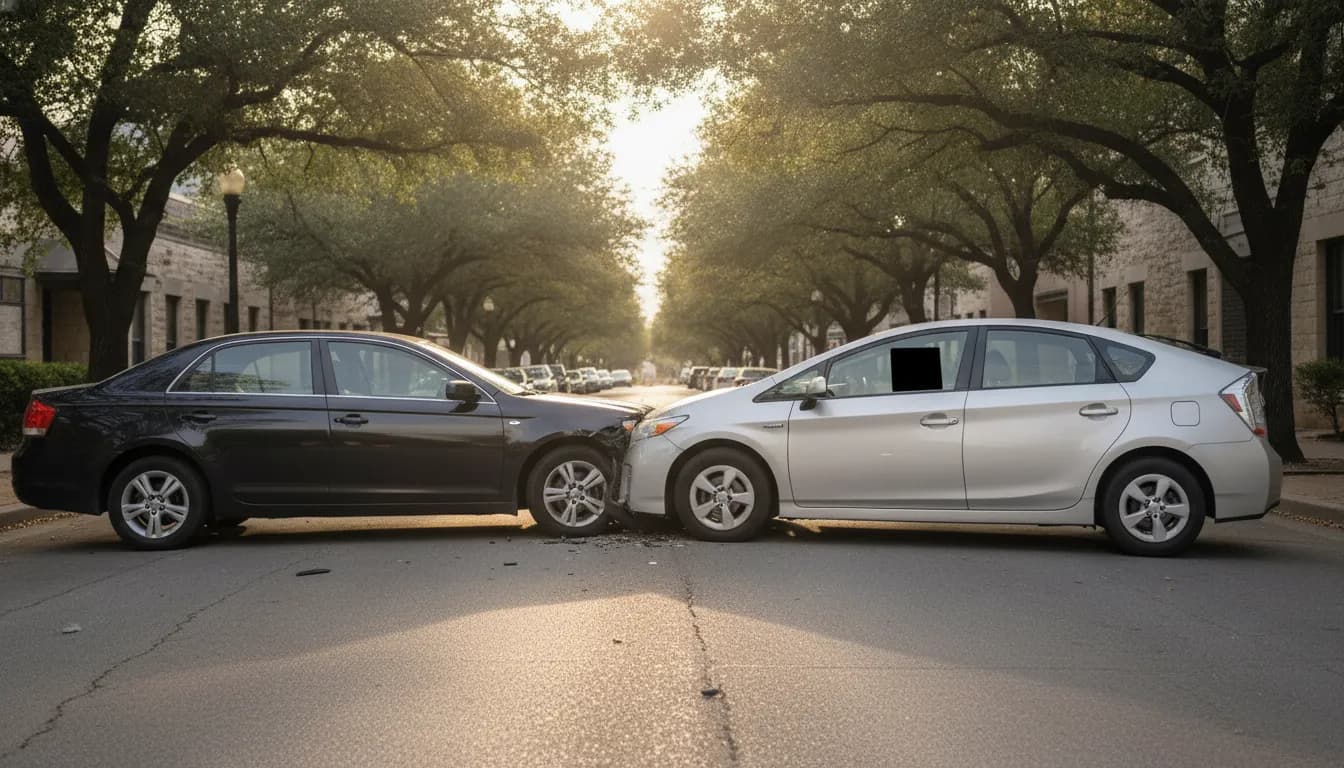
After a rideshare crash in Austin, the useful story is often still on a phone. That includes the trip screen, the texts with the driver, the call to 911, and the map pin from impact. Those records can disappear when an app refreshes, a screenshot gets buried, or a carrier rotates an old log. If you want to know how to preserve phone records after a Texas rideshare crash, start the same day, save more than one copy, and write down what each file shows.
Talk with Cap City about the records from your Austin rideshare crash
Why phone records matter after a Texas rideshare crash
A rideshare collision is not only a question of who hit whom. Texas law also asks what the driver was doing in the app. Under Texas Insurance Code section 1954.001, a prearranged ride begins when the driver accepts a request and ends when the last requesting rider leaves the vehicle. The insurance that must be in place changes between those moments. Section 1954.052 sets minimum liability amounts while a driver is logged on and waiting for a request. Section 1954.053 sets a $1 million aggregate limit for death, bodily injury, and property damage during a prearranged ride.
A phone rarely proves the whole case by itself. It can still show a time, a place, and a sequence that a memory will not hold a month later. A trip receipt can show that a ride had been accepted. A text can show that a pickup point changed. A call log can show that someone called 911 before they called an insurer. Location history can place a phone near the intersection at the time the police report lists.
Cap City's Austin rideshare accident page explains how app status can change the coverage question. This guide stays on the narrower job: getting the phone records saved before they are gone. Reporting the crash inside an app is a separate step, covered in the firm's Uber accident reporting guide.
Which phone records to save first
Do not try to export the entire phone on the shoulder of MoPac. Get to a safe place, get medical care, and then save the items that are easiest to lose. Work from the screen that is open, then move outward.
| Record | What to capture | Why it can matter |
|---|---|---|
| Trip screen and receipt. | Save the driver name, vehicle, pickup, drop-off, time, fare, and any ride-accepted line. | This ties the crash to a prearranged ride under section 1954.001. |
| In-app messages. | Save the full thread, including time stamps and any change of pickup spot. | This shows what the rider and driver said before the crash. |
| Call log. | Save calls to 911, rideshare support, the other driver, and insurers, with times. | This builds a timeline that does not depend on memory. |
| Text messages. | Save threads with the driver, passengers, family, and anyone at the scene. | This preserves statements made while details were fresh. |
| Photos and video. | Save vehicles, plates, the intersection, visible injuries, and insurance cards. | This shows conditions that change as soon as cars are moved. |
| Location history. | Save the map point and time nearest the crash, if the phone already records it. | This places the phone when accounts of the location conflict. |
Save the rideshare app's own trip screen before you close it. Some apps replace that screen with a help flow or a new trip. If a receipt email arrives, keep the email too. A screenshot and the underlying email are better than either one alone.
How to preserve phone records after a Texas rideshare crash
Use a simple order. Screenshot first, export second, and back up third. A screenshot is fast. An export is easier to read later. A backup protects you if the phone is repaired, replaced, or lost.
Screenshot the live screens
On an iPhone, press the side button and the volume-up button together, then check the photo. On many Android phones, press the power and volume-down buttons. Capture the whole trip card, then scroll and capture again so the time stamps are visible. Do the same for the message thread. One cropped photo of a single bubble is weaker than a series that shows the thread in order.
Include the status bar. The clock, date, and battery in that bar help show when the screenshot was taken. If the app lets you open a trip receipt, capture the receipt number or trip ID as well as the map.
Export the call log and messages
Carriers keep call detail for different lengths of time, and a phone's own log can be cleared by a reset. Ask your carrier for a copy of the calls and texts around the crash date, and ask how long that detail is retained. Do this in writing, by the carrier's app or website if it lets you save the request, so you have proof that you asked.
For ordinary text threads, use the phone's built-in options where they exist, or a series of screenshots if they do not. Do not forward a thread into a new message and delete the original. Forwarding can strip times. Leave the original thread in place, and put the copies somewhere else.
Save location history without turning on new tracking
If location history was already on, open that history and export or screenshot the window around the crash. If it was off, do not invent a trail. A phone that was not recording location cannot honestly be made to show one later. The police report, photos, and trip receipt can still place the event.
Write a one-page timeline the same day. List the crash time, the first call, the first text, when photos were taken, and when you opened the rideshare app. Store that note with the files. A short timeline keeps a folder of screenshots from becoming a pile.
Keep copies that can still be opened later
A photo roll is not an archive. Phones get replaced after a crash, and repair shops sometimes wipe a device. Put a second copy in a cloud folder you control, and a third copy on a computer or a drive that is not the phone.
- Name files with the date and what they show, such as "2026-11-04-trip-receipt" or "2026-11-04-911-call-log."
- Keep the original image size. Do not post the screenshots to social media and then delete the originals.
- Export a copy of the photo roll from the day of the crash, not only the five pictures you think are best.
- Note the phone number, carrier, and app version if you can find it in the phone settings.
Texas Department of Licensing and Regulation guidance says a transportation network company must keep individual ride records for five years. That company record is not your copy. You cannot count on getting it quickly, and you may need your own screenshots to know what to ask for. The company's file and your phone file answer different questions. Yours shows what you saw. Theirs may show server-side status you never saw.
Section 1954.056 also covers what a driver must disclose after a collision. If asked, the driver must tell an interested person, an insurer, or an investigating officer whether the driver was logged on or in a prearranged ride. Your saved trip screen is a check on that answer. It is not a substitute for the company's own log.
What not to do with the phone
A few ordinary habits cause the most loss. Avoid them while the records are still fresh.
- Do not delete the rideshare app to "stop the notifications." Uninstalling can remove the local trip view before you have saved it.
- Do not edit screenshots, mark them up, or crop out the time stamp. Save a clean copy, and put any notes in a separate document.
- Do not send a long recorded statement to an insurer from the scene while you are still scrolling for the trip receipt. Save the records first. You can decide later what a statement should cover.
- Do not rely on one text to a family member as your only copy. Texts get deleted, and phones get replaced.
- Do not post the other driver's license, insurance card, or injuries to a public feed. Keep those images in the private folder.
If a passenger, the other driver, and a rideshare driver were all involved, each phone holds different pieces. A passenger may have the trip receipt. The other driver may have a dash camera. The rideshare driver may have the in-app status. Ask for copies, and keep a note of who provided each file. Do not take someone's phone and start deleting or forwarding their messages.
How phone records fit the insurance question
Phone records are most useful when they line up with the coverage rules, not when they are asked to replace them. Section 1954.051 says the required insurance may come from the driver, the company, or both. Before a trip, section 1954.101 requires a written disclosure of the company policy and its limits. That disclosure must also warn that a personal auto policy may not apply while the driver is logged on or in a prearranged ride. Section 1954.151 lets a personal auto insurer exclude losses that happen in those periods.
A "driver is on the way" screenshot is different from a finished-trip screenshot. Both differ from a call log that only shows a later insurer conversation. Match each file to a fact:
- A ride-accepted screen supports the start of a prearranged ride.
- A receipt with a drop-off time helps show when that ride ended.
- A waiting-for-requests screen, if you have one, is a different status from an accepted trip.
- A call to the company after the crash shows notice. It does not, by itself, show the driver's status at impact.
If two apps were involved, save each app separately. An Uber screen does not describe a Lyft trip, and the two companies do not share one status. The firm's guide to an Uber and Lyft driver crash covers that two-company problem. Keep this article's job limited to preserving the phone evidence those questions will need.
Organize the folder before anyone asks for it
Once the copies are safe, make the folder easy for someone else to follow. A claims adjuster, a doctor, or a lawyer should not have to guess which of forty images is the receipt.
- Create one folder named with the crash date and the street or intersection.
- Put trip screenshots in one subfolder, calls and texts in another, and scene photos in a third.
- Add the one-page timeline and the police-report number when you have it.
- Add medical bills as they arrive, without mixing them into the trip screenshots.
- Write down every person who received a copy, and the date you sent it.
Texas Civil Practice and Remedies Code section 18.001 is a different kind of paperwork. In a civil case, an affidavit can support a finding that a charge was reasonable and that the service was necessary. The affidavit must come from the provider or the person in charge of those records, and only if no proper counteraffidavit is served. The statute says that affidavit is not evidence of what caused the injury. Phone screenshots are not that affidavit. Keep medical records and the phone folder separate so neither one is asked to do the other's job.
Deadlines still exist even while you are organizing files. The firm's overview of rideshare lawsuit steps covers the filing sequence. Saving phone records early makes that later sequence easier. It does not file anything for you.
When a gap in the records needs a closer look
Some gaps are normal. A rider may never have seen the driver's "available" screen. A text thread may be short. A location history may be off. Those gaps do not erase a claim. They do mean you should not guess.
Get help sorting the file if any of these are true:
- The app no longer shows the trip, and you do not have a receipt email.
- The driver and the company describe different app status at the time of the crash.
- More than one company, or more than one vehicle, was involved.
- An insurer asks for your phone, your call log, or a recorded statement before you have a copy saved.
- Injuries are still being treated, so the medical file and the phone file are growing at the same time.
Bring the folder, the timeline, and a list of what you could not save. A useful review starts from what the phone actually contains. It does not start from a reconstructed story. For a broader look at passenger and coverage rights after an Austin crash, see Uber and Lyft rights in Austin. For how a Lyft trip's status can change the insurance question, see the firm's Lyft coverage guide.
Ask Cap City to review the phone records from your crash
Frequently Asked Questions
How long should I keep rideshare phone records?
Keep them until the injury claim is resolved and any appeal period you are told about has passed. A company may have its own multi-year record duty, but your screenshots, call logs, and exports are still worth keeping because they show what you saved and when.
What if I already closed the rideshare app?
Open it again and look for the trip in your history, then check email for a receipt. Screenshot whatever is still there. If the trip is gone, write down what you remember seeing and the time you looked, and keep that note with the folder.
Do texts with the driver replace the company's trip log?
No. Texts can show what people said and when. The company's ride record may show server status you never saw, including when a request was accepted. Save your texts, and still ask for the company record if status is disputed.
Can I delete the app after I take screenshots?
Wait. Confirm that the screenshots are readable, backed up off the phone, and include time stamps and the trip identifier. Uninstalling too early can remove the only in-app view you had.
Should I give my unlocked phone to an insurer?
You do not have to hand over the whole phone to preserve a claim. Give copies of the specific records that match the request, and keep your own set. A full phone includes private material that has nothing to do with the crash.
More on the blog
Keep reading.
12 min read
What Happens If an Uber and Lyft Driver Crash in Texas?
If an Uber and Lyft driver crash in Texas, each driver's app status may trigger different insurance coverage. Learn what to document after an Austin crash.
By Cap City Injury Attorneys
13 min read
Dog Bite Injury Lawyer: How Injury Severity Affects a Claim
Learn how medical care, scarring, functional limits, and emotional effects may be documented after a Texas dog bite, with practical recordkeeping steps.
By Cap City Injury Attorneys
Let's talk about your case.
Free case review, no obligation. We'll tell you straight whether we can help.